Automatyczne pobieranie faktur z KSeF i obieg dokumentów
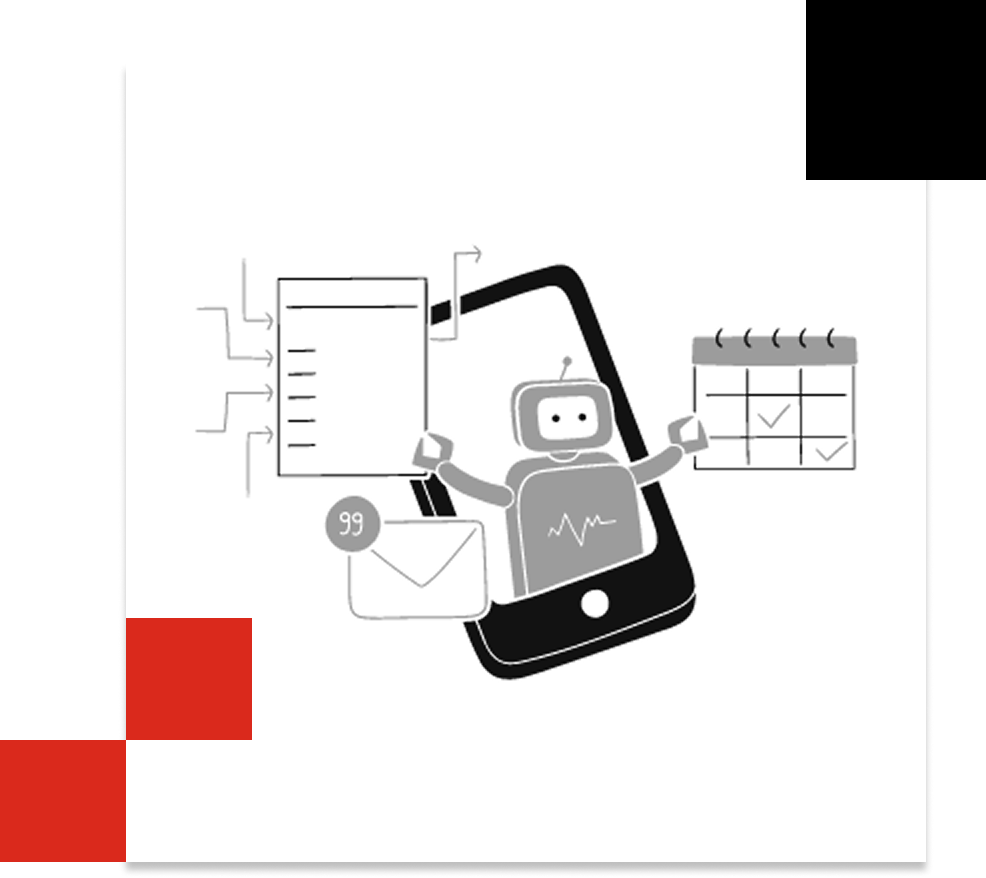
KSeF nie wysyła powiadomień o nowych dokumentach, więc bez automatyzacji łatwo coś przeoczyć. KSEFEO cyklicznie zbiera wszystkie faktury zakupowe i natychmiast wysyła je do właściwej osoby po stronie klienta (e-mail/portal) z prośbą o analizę i akceptację — dzięki temu nic nie ginie, decyzje zapadają szybciej, a cały proces jest transparentny i audytowalny.
Żadnych nowych narzędzi. Żadnych szkoleń. Tylko płynna, inteligentna automatyzacja stworzona z myślą o dokładności i skalowalności.

Rozwiązania dla biur rachunkowych
Automatyczny obieg dokumentu
Klient otrzymuje fakturę w czytelnym formacie i ma dwie możliwości:
Akceptować — potwierdza poprawność i przekazuje do dalszego procesu.
Odrzucić z podaniem powodu — wybiera powód, a system automatycznie odsyła fakturę do sprzedawcy z prośbą o korektę.
Brak reakcji klienta lub sprzedawcy powoduje wyslanie przypomnienia emailem oraz smsem.
Liczby mówią same za siebie
0
Dodatkowych programów lub aplikacji do nauki
80%-
Klikania, emaili, telefonow
100%
faktur KSEF z nadanym statusem
100%
przejrzystość dzięki dashboardowi
Pełna gama funkcjonalności KSEFEO
Najważniejsze zalety KSEFEO
Mniej pracy ręcznej
Powiadomienia i routing „od razu”. Brak reakcji? Przypomnienia i eskalacje
Akceptacja po stronie klienta
Proste „Akceptuj / Odrzuć z powodem” w czytelnym podglądzie.
Korekty bez biegania za dostawcą
Automatyczna wiadomość do sprzedawcy + powiązanie z fakturą źródłową i jeden wątek komentarzy.
Dashboard i przejrzystość statusów
jasny obraz sytuacji dla klientów i księgowych

Skorzystaj z BEZPŁATNEGO demo KSEFEO
Wypróbuj KSEFEO – najszybszą drogę od faktury KSeF do akceptacji i księgowania
FAQ - Praktyczna funkcjonalność KSEFEO przy obiegu faktur
1 Po co jest KSEFEO, jeśli mój program księgowy automatycznie pobiera faktury z KSeF?
KSEFEO nie konkuruje z programami biur rachunkowych o samo „pobranie pliku”. Robi wszystko, czego typowy taki program nie robi (albo robi po kosztownych modyfikacjach), czyli zamyka cały proces obiegu i akceptacji faktur KSeF end-to-end. KSEFEO sprawia, że faktury są zauważone, ocenione, poprawione, zaakceptowane i zaksięgowane na czas — z pełnym śladem audytowym i widokiem dla wielu klientów. To różnica między „mamy plik” a „mamy zamknięty proces”.
2 Co zrobić gdy faktura jest niepoprawna ?
Akceptant wybiera powód korekty (np. niepoprawna cena, usługa nie została wykonana, niezgodny IBAN) lub wpisuje własny komentarz. Wszystko trafia do jednego wątku komentarzy przy fakturze. System wysyła e-mail do dostawcy z: numerem/KSeF ID, opisem błędu, oczekiwanym działaniem i terminem. Brak reakcji sprzedawcy automatyczne przypomnienia e-mail + SMS, a potem eskalacja do wskazanych osób. Do czasu poprawy: blokada eksportu i płatności (albo „parking” na koncie technicznym). Dashboard pokazuje liczbę i wiek otwartych korekt.
3 Jak rozpoznac ze korekta faktury jest poprawna ?
KSEFEO automatycznie łączy korektę z fakturą źródłową po ID KSeF i pozycjach. Sprawdza logikę i liczby: stawki/kwoty VAT, zakres zmian, daty, duplikaty.
Pokazuje czytelny „przed → po” z podświetleniem różnic, powodem korekty i wpływem na saldo.
Gdy wszystko jest spójne, aktywuje Akceptuj; w razie błędu wskazuje dokładnie, co poprawić.
4 Jak dlugo trwa wdrozenie KSEFEO ?
W praktyce — około 10 minut.
Załóż konto,
zaimportuj klientów,
dodaj ich zgody na odbiór faktur w KSeF — i gotowe.
Od razu możesz wysyłać faktury do akceptacji i działać na pełnym obiegu.
5 Czy KSEFEO ułatwia księgowanie ?
Tak. KSEFEO wykorzystuje to, że faktura z KSeF jest ustrukturyzowana, więc potrafi automatycznie zaproponować księgowanie dla każdego wiersza (konto, kategoria, opis).
System zapamiętuje mapowania, by przy kolejnych fakturach podpowiadać je automatycznie.
Dzięki temu skracasz czas, zmniejszasz liczbę błędów i zachowujesz spójność księgowań