Context
Our Swiss client utilizes a cloud-based accounting platform for their bookkeeping and maintains multiple bank accounts with PostFinance. Accurate and timely recording of bank statements in the accounting system is a critical component of effective cash management. Currently, this process is performed manually: an accounting clerk downloads the bank statement from the e-banking system in CSV or Swiss-standard formats (camt.053/camt.054), uploads it into the cloud accounting tool, and manually assigns the transactions to the appropriate accounts in the general ledger, customer ledger, or AP ledger.
Proposed Solution
To optimize this workflow, we propose the implementation of a intelligent automation solution to fully automate the bank statement integration and reconciliation process. The robot will:
- Automatically download bank statements from the e-banking platform and upload them to the cloud accounting system.
- Match incoming payments to customer invoices using structured reference numbers. In cases where a reference number is missing, the robot cross-verifies the payer’s name against the customer ledger to determine the correct posting.
- Process outgoing payments based on the accounts payable (AP) payment run, assigning them to the corresponding entries in the AP ledger.
Post all remaining transactions appropriately to the general ledger in accordance with the organization’s accounting structure.
Reconcile the closing balance recorded in the accounting system with the bank statement balance.
Upon completion of the reconciliation, the robot generates a verification report highlighting any discrepancies, which are then routed to the accounting team for manual validation.
At month-end, a comprehensive reconciliation report is delivered to the accounting department. This includes monthly bank statements, detailed reconciliation to the general ledger, customer ledger, and AP ledger. All supporting documents are archived in a secure repository for audit and compliance purposes.
Key Benefits
Up to 80% reduction in processing time and a significant decrease in error rates.
Human oversight limited to exceptions – typically fewer than 10% of transactions.
Reconciliation backup and bank statement copies are automatically archived as PDF files for audit readiness and future reference.
Systems Automated








Co użytkownicy chwalą w KSeFEO - i co warto wiedzieć przed zakupem
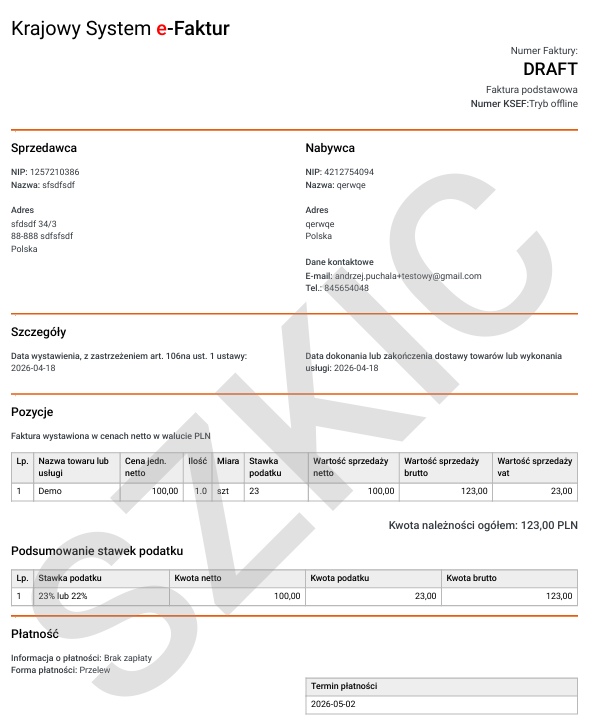
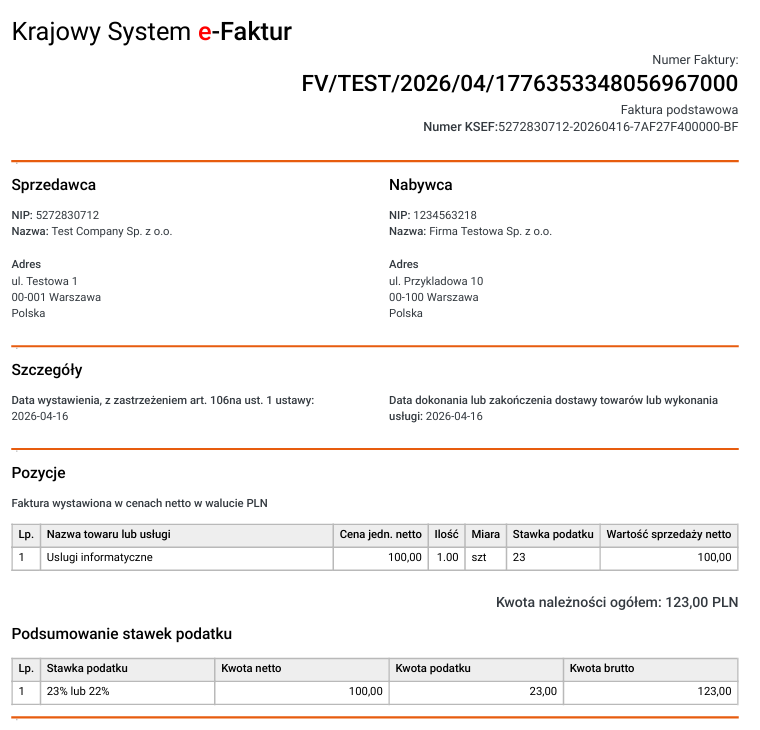
„W KSEFEO najbardziej podoba mi się prostota programu i szybki start. Wystarczy wgrać certyfikaty, skonfigurować profil sprzedawcy i można wystawiać faktury. Wystawienie pierwszej faktury zajęło mi mniej niż minutę. Wysyłka jest potwierdzona natychmiast i mogę pobrać wizualizację PDF.“
„Wcześniej wystawiałam faktury w WORDzie i obawiałam się przejścia na KSeF. Zupełnie niepotrzebnie. Dzięki KSEFEO wystawiam szybko faktury. Wystawienie faktur walutowych jest bardzo łatwe — mam możliwość pobrania wizualizacji w języku angielskim z kodem QR i przesłania jej do kontrahentów za granicą.“
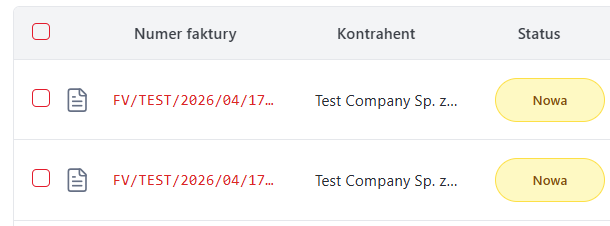
„Jesteśmy trochę nietypowym JDG, bo mamy bardzo dużo faktur zakupowych i dzięki KSEFEO wszystkie faktury są pobierane automatycznie. Możemy oznaczać, które zostały zapłacone. Podobnie przy fakturach sprzedażowych — od razu widzę, którzy klienci nie zapłacili jeszcze faktur.“
„W sumie mimo wielu obaw okazało się, że KSeF z KSeFEO jest bardzo przyjemny. Mam faktury zakupowe w jednym miejscu, pobierane są codziennie automatycznie i dostaję wiadomość, jak przyjdzie nowa. Ustawiłem domyślne ustawienia w profilu sprzedaży i wystawienie faktury zajmuje mi mniej niż minutę. Mogę wystawić kilka podobnych faktur, powielając je. Przydatna jest opcja SZKICU faktury."